Paint your 3D prints
with Apple Pencil.
Draw the colours straight onto the model — press harder for a bigger brush. Save, and PrusaSlicer opens the file with every colour on its own tool, the printer chosen and the filaments loaded.
$4.99 · one purchase for iPad and Mac · iPadOS 17 and macOS 14 or later
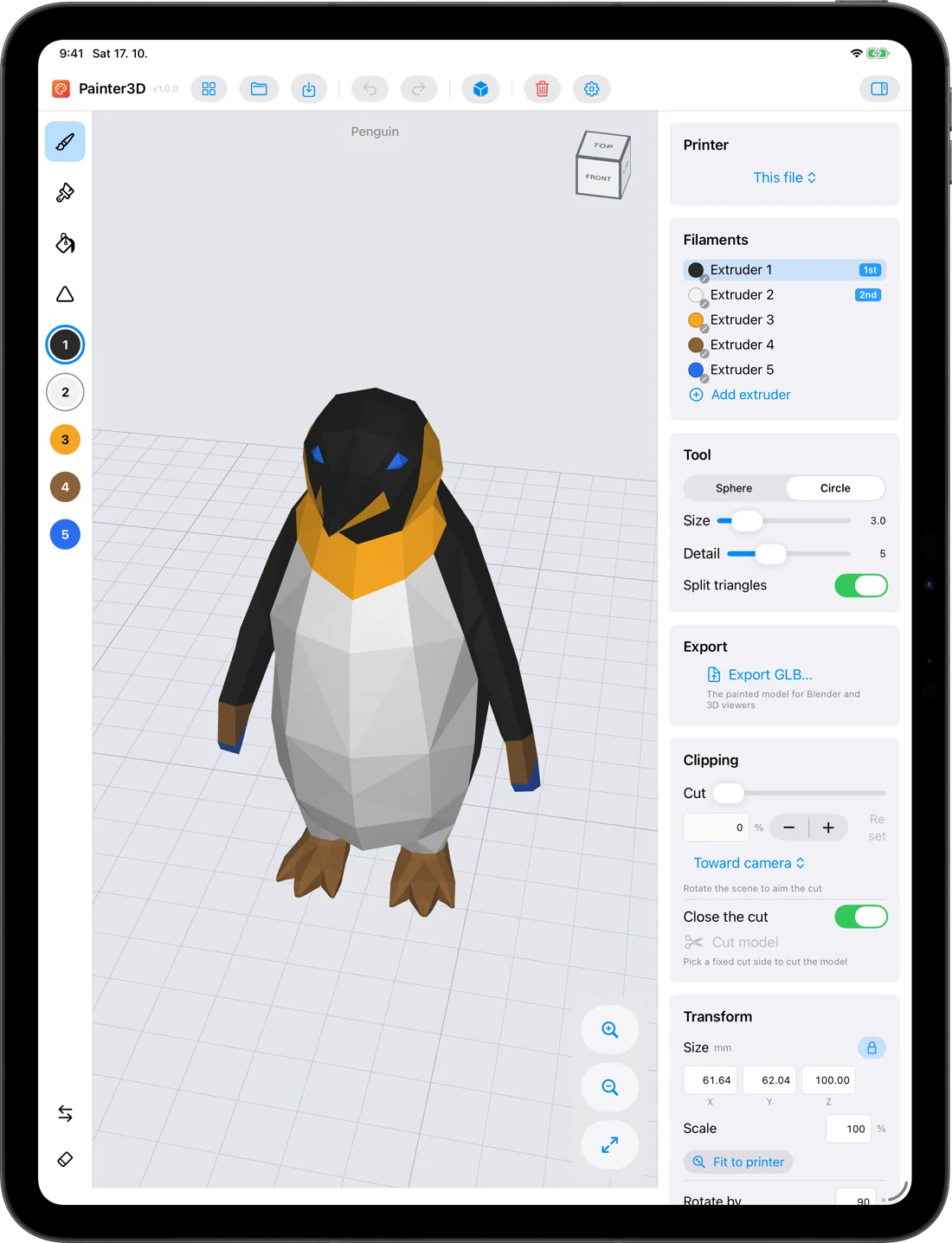

A grey model becomes a print, stroke by stroke.
Pick a filament and draw. The brush splits the triangles exactly as far as it needs to — switch on the edges to see how fine it went.
Everything the Pencil can do, it does here.
Painter3D is built around Apple Pencil — the hand that paints never has to reach for a menu.
Pressure sets the size
A light touch draws a fine line along an eye or a claw; press and the brush grows to cover a flank. You choose how far it grows.
Double-tap
Switches to the eraser, or back to the previous filament — whichever your Pencil is set to in Settings.
Squeeze on Apple Pencil Pro
Swaps the first and second filament, so two colours are one squeeze apart.
Pencil paints, fingers steer
One finger turns the model, two move it, a pinch zooms. Nothing paints by accident — and without a Pencil, a finger can paint too.
From a grey model to a colourful print in three steps.
It paints the way the slicer prints: a stroke splits the triangles as finely as it needs to, just like PrusaSlicer's own painting — what you see is what comes out of the nozzle.
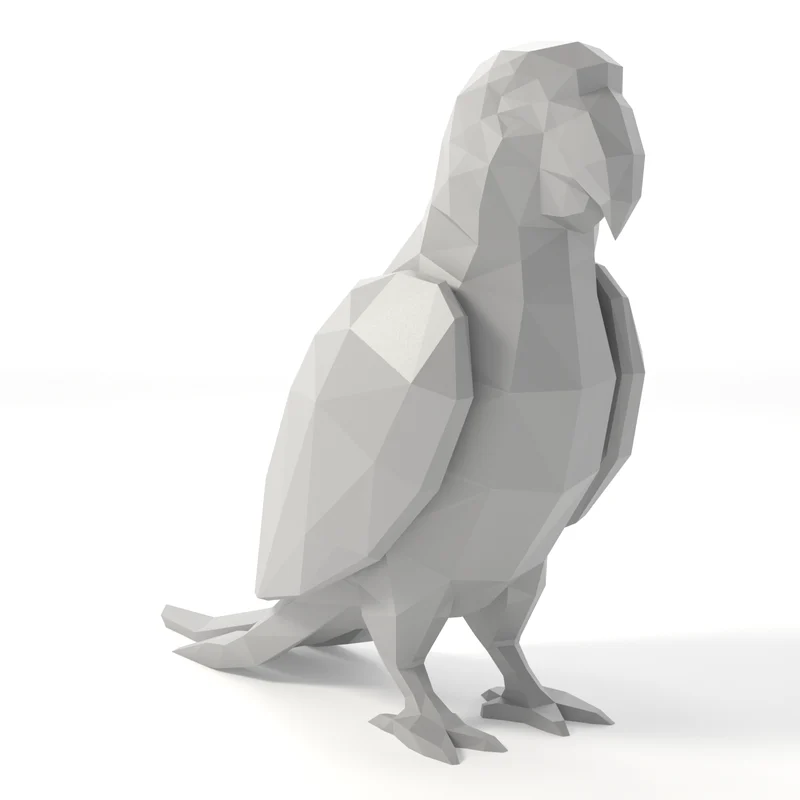
Open
A 3MF from PrusaSlicer — or STL, STEP, OBJ, PLY, glTF or GLB. A textured model arrives already painted, its colours matched to your filaments.
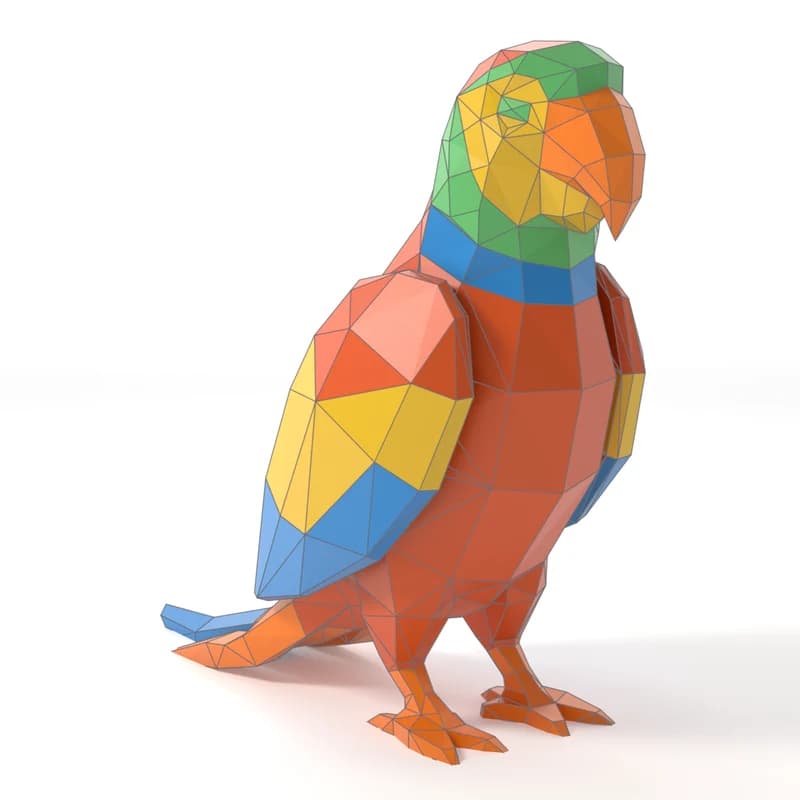
Paint
Pick an extruder and draw. Reach inside with the clipping plane, undo any stroke, show the triangles to see how fine the paint has got.
Save the 3MF. PrusaSlicer opens it with every colour on its tool, and keeps what it saved there before — placement, presets, settings.
Paint first or slice first — it's up to you.
Painter3D edits the 3MF it opened, so what each app saved stays in the file: the placement, the printer and the filaments from PrusaSlicer, the paint from Painter3D.
Six animals, painted and ready to print. One left for you.
The same multi-material projects the ZOO publishes on Printables come inside the app — open one, recolour it, print it.
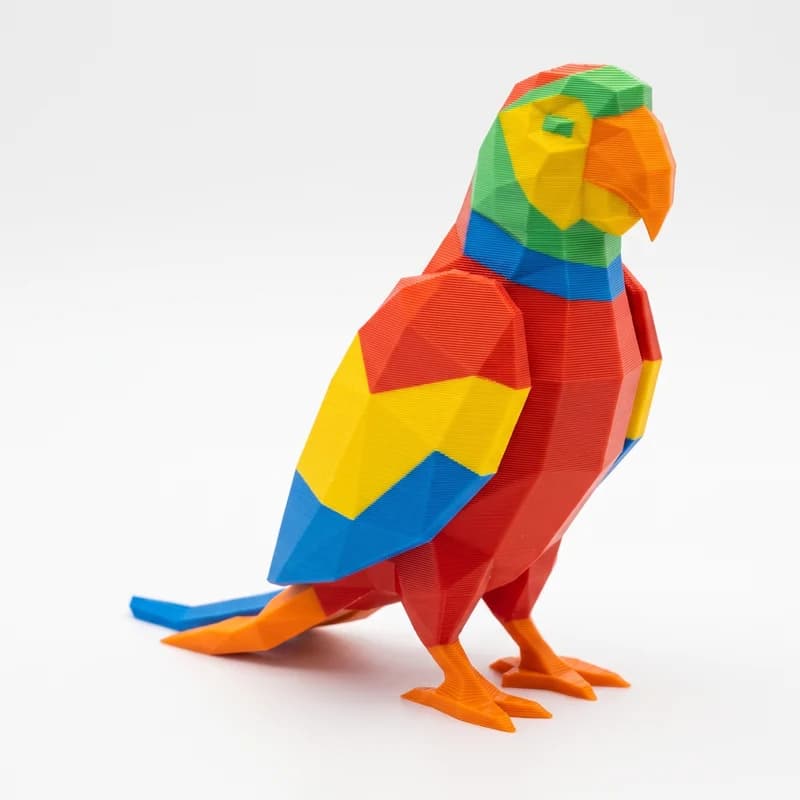
 Bao the Panda3 filaments
 Penny the Penguin5 filaments
 Ollie the Orca3 filaments
 Ziggy the Zebra4 filaments
 Gigi the Giraffe5 filaments
 Leo the Lion3 filaments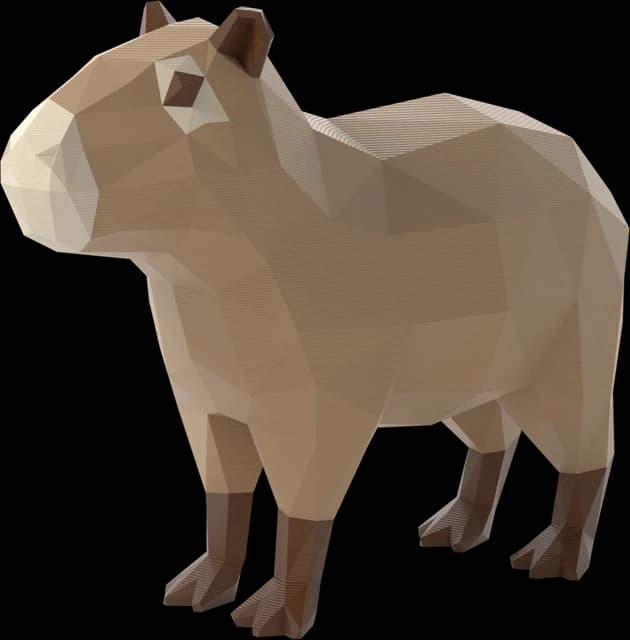
The ZOO keeps growing.
New animals arrive with updates. And Capy the Capybara is already here, unpainted — the one left for you to colour in.
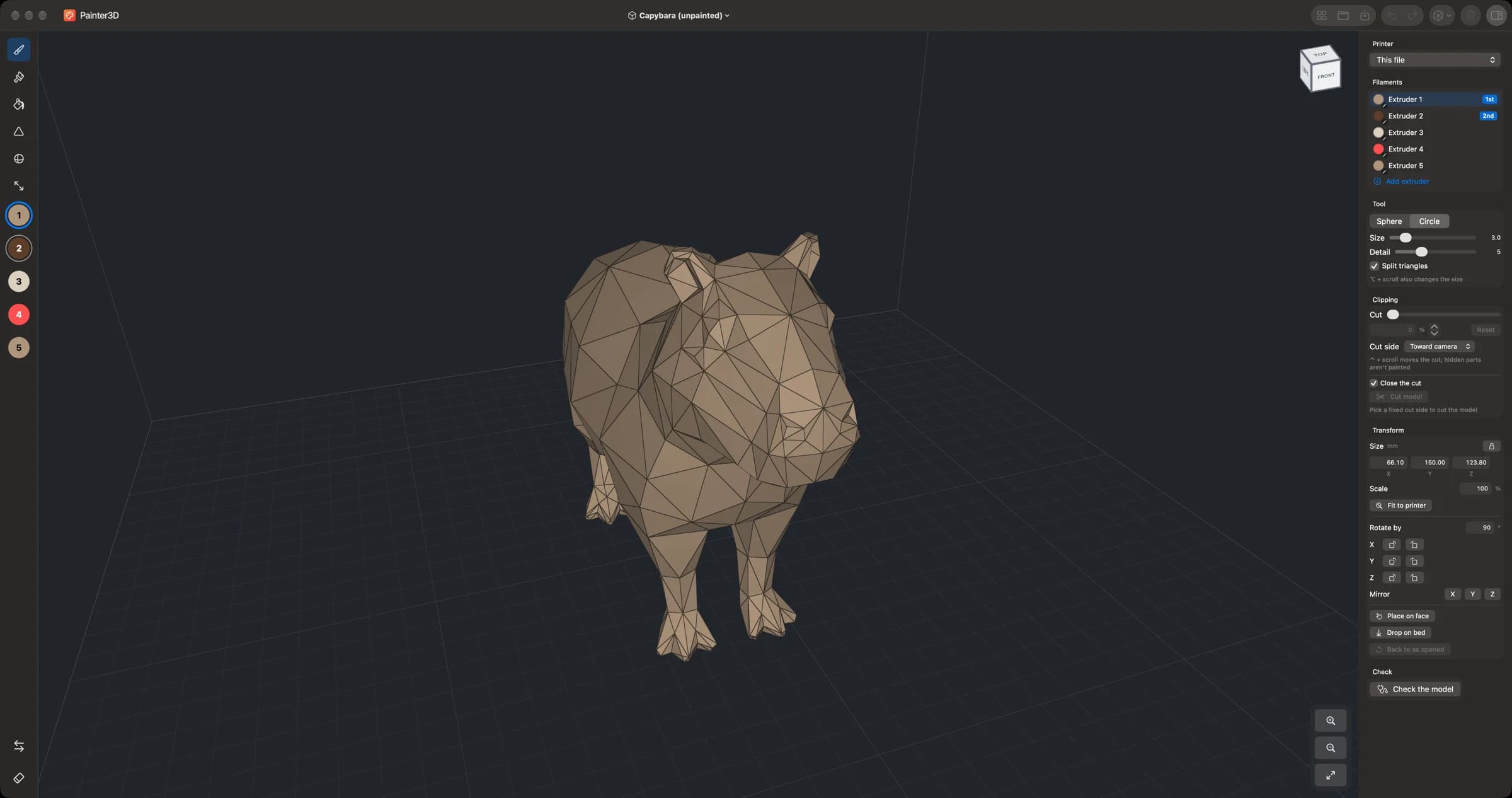
Next to PrusaSlicer, not instead of it.
The same app, bought once, on your Mac. Painter3D edits the 3MF it opened, so the slicer's placement and presets survive the trip. When PrusaSlicer saves over the file, Painter3D notices and offers to reload — and macOS keeps every version, one click away.
- Rotate and scale right in the scene
- Mouse layouts of PrusaSlicer, Blender, Fusion 360 or Onshape
- File ▸ Browse Versions… brings any save back
Small app, whole workflow.
Your printer
Prusa XL with five tools, MK4S and CORE One with MMU3, CORE One INDX with four or eight — or whatever printer the 3MF already names.
Filaments
Add or remove extruders, change their colours, merge one into another — the painted faces follow.
Clipping plane
Slice into the model to reach the inside of an ear or the gap between legs, and paint what hides there.
Place it
Size in millimetres, fit to the printer, mirror, lay it on a face or drop it on the bed.
Check and repair
Find holes and loose parts in a downloaded model and fix them without losing the paint — or cut a part away.
To Blender and back
Export a welded GLB with a material per filament, change the shape in Blender, bring it home still painted.
Buy once. Paint on both.
No subscription, no account, no ads, no in-app purchases.
One purchase covers the iPad and the Mac app.
- Painting with Apple Pencil, mouse or trackpad
- 3MF that PrusaSlicer opens with every colour on its tool
- Seven Low Poly ZOO animals included
- Works fully offline, in nine languages
From the maker of Preview3D and PreviewMD.